Hello bartos.gyula,
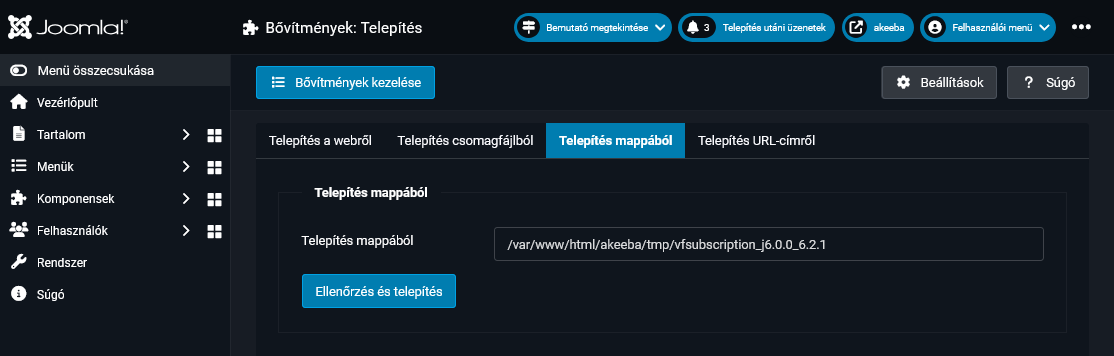
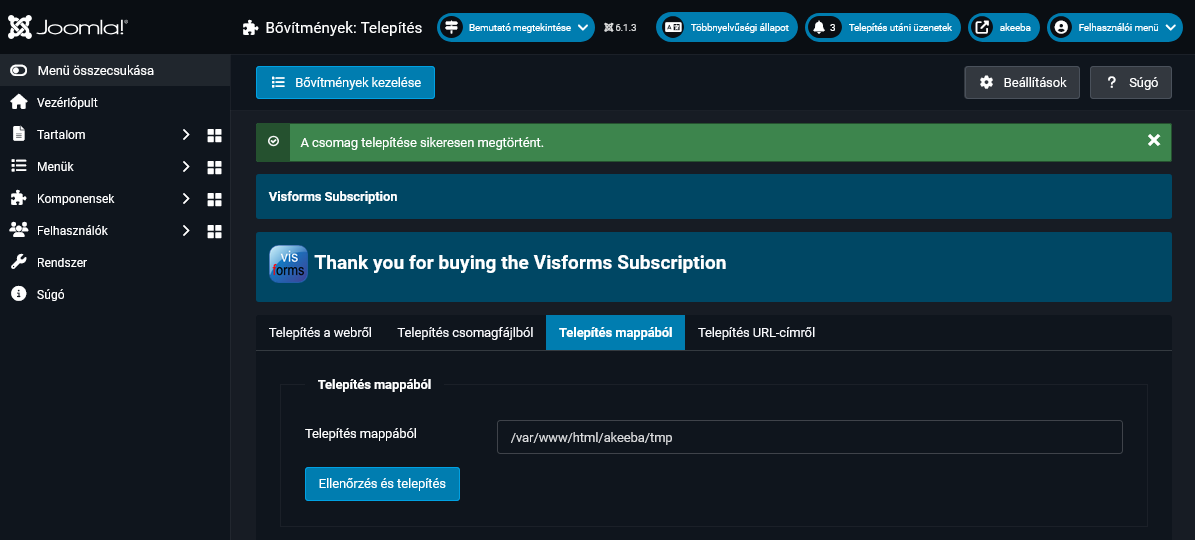
Thanks for your screenshot.
There are now two ways to proceed.
P1 - PHP debug information
A detailed PHP error report would be very helpful for us (including the full call stack and all related information).
To obtain an accurate PHP error report, please enable maximum debugging in the Joomla administration area before reproducing the error:
Dashboard --> Global Configuration, 'System' tab, 'Debug System' parameter = 'Yes'
Dashboard --> Global Configuration, 'Server' tab, 'Error Reporting' parameter = 'Maximum'
The Visforms log file generated during installation and updates would also be very useful to us.
This log file is located at the following path: .../administrator/logs/visforms_update.php
P2 - Akeeba backup
The question is whether you could provide us with an Akeeba backup of the website for debugging purposes.
We use the following platform for this:
wetransfer.com/
Please use the forum email address as the recipient: forum (--at--) vi-solutions.de.
Administrative access to the backend is not sufficient in this case.
Next steps:
S1 - P1: Check whether any error messages appear when PHP debugging is enabled as described above.
S2 - P1: Additionally, check the log file mentioned above for any error entries.
To do this, simply use the Joomla menu item Visforms >> Inspector and go to the 'Logging' tab.
The Inspector >> View log files:
docs.joomla-6.visforms.vi-solutions.de/e...r/instector-logging/
S3 - P2: If you do not obtain any further information in steps S1 and S2 that you can share with us
please proceed with P2.
Kind regards, Ingmar


 I recommend you the new and up-to-date documentation for Joomla 6:
 .
.