Hallo Sebastian,
vielen Dank für deine klare Darstellung deiner Vorstellungen!
Zu: mit Javascript bin ich absoluter Neuling:
Dann fängst du nach PHP und HTML und CSS, jetzt halt auch mit JavaScript an.
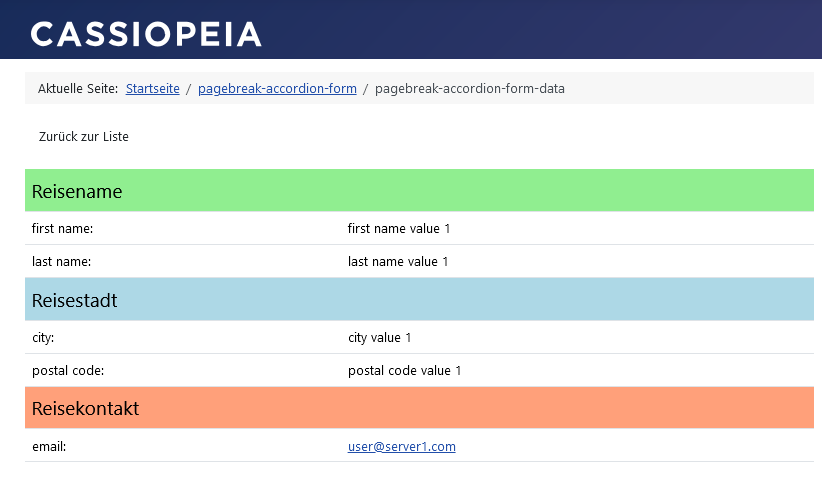
In Fall der Detail-Ansicht, schau dir mal die folgende Lösung an.
Der Code und seine Wirkung sind mehr oder weniger selbsterklärend.
Detail-Ansicht:
vi-solutions.de/forum-uploads/data-detai...-formatting_form.png
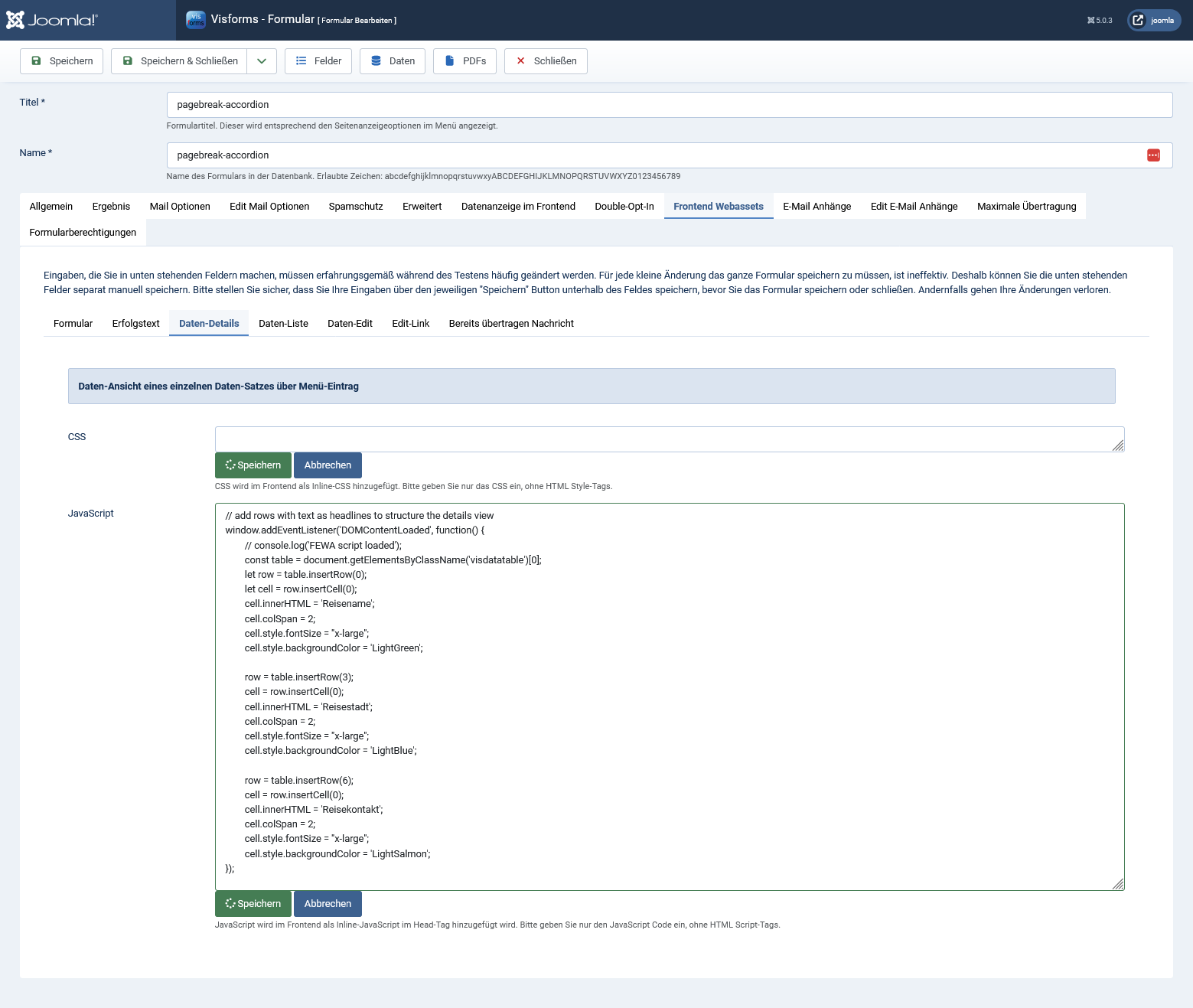
Formular-Konfiguration:
vi-solutions.de/forum-uploads/data-detai...rm-configuration.png
JavaScript-Code:
Code:
// add rows with text as headlines to structure the details view
window.addEventListener('DOMContentLoaded', function() {
// console.log('FEWA script loaded');
const table = document.getElementsByClassName('visdatatable')[0];
let row = table.insertRow(0);
let cell = row.insertCell(0);
cell.innerHTML = 'Reisename';
cell.colSpan = 2;
cell.style.fontSize = "x-large";
cell.style.backgroundColor = 'LightGreen';
row = table.insertRow(3);
cell = row.insertCell(0);
cell.innerHTML = 'Reisestadt';
cell.colSpan = 2;
cell.style.fontSize = "x-large";
cell.style.backgroundColor = 'LightBlue';
row = table.insertRow(6);
cell = row.insertCell(0);
cell.innerHTML = 'Reisekontakt';
cell.colSpan = 2;
cell.style.fontSize = "x-large";
cell.style.backgroundColor = 'LightSalmon';
});
Viel Spaß noch mit dem JavaScript!
Liebe Grüße, Ingmar

 I recommend you the new and up-to-date documentation for Joomla 6:
 .
.